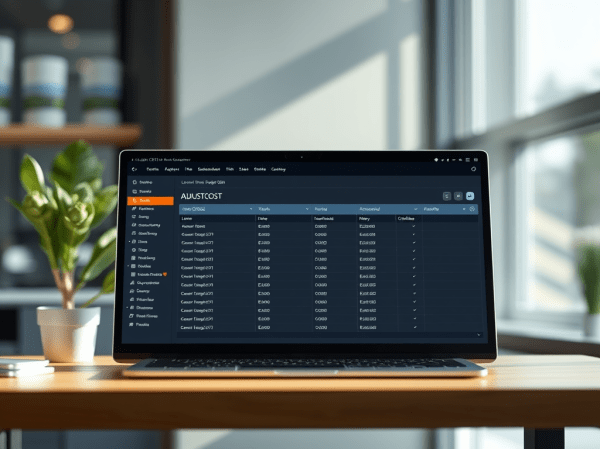
Scheduled reports are entered in the job queue and processed at the scheduled time, similar to other jobs. If we choose to save the report to a file, then the processed report will sent to the Report Inbox, While Scheduling the report, the scheduler page hitting warning message There is no running job queue for... Continue Reading →
Schedule Adjust Cost report on navision 2013 and higher versions
Job queues enables users to schedule and run specific reports and codeunits. You can set jobs to run one time, or recurring basis Previous versions we have to install NAS to process job Queue , 2013 and higher versions default service will start process this job queue entries . Create New Job Queue Category ADJUSTCOST... Continue Reading →
Implementing Nav 2016 Workflow Events and Response for Sales Invoice auto send email
In this post we will create a new Workflow Event . The event tied to the Dynamics NAV Sales post functionality, While posting the sales invoice based on the workflow conditions program will auto send email and update the pdf report on report inbox You may download the object and workflow file from Dropbox Link ... Continue Reading →
While exporting budget from nav 5.1 version system hit following error message The call to member Add failed. Microsoft Office Excel returned the following message: That name is not valid. Error hitting on report 82 Export Budget to Excel Line ExcelBuf.CreateRange(ColumnDimCode[i]) Line This is the standard Nav 5.1 report bug and Microsoft has already... Continue Reading →
Creating Matrix Reports in Nav 2013 R2
In this article we are going to see how to create a Matrix Report , Matrix reports display grouped data and summary information. You can group data by multiple fields or expressions in row and column groups.A matrix report grows horizontally and vertically on the page lets see how to create one inventory matrix report based... Continue Reading →
HAPPY NEW YEAR 2014.
Wish you all a very happy and fun-filled New Year, hope there is no end to the world, there is still lot to be seen. .. 🙂 “We will open the book. Its pages are blank. We are going to put words on them ourselves. The book is called Opportunity and its first chapter is... Continue Reading →
How to save outlook attachments files from Navision ?
we have one new requirement to read outlook from Navision Details User will send one text file. The text file will be on specific format, then program should read new mails from outlook and download the file to a pacific place . Read the text file and creates item journals and posts it. The main... Continue Reading →
How Create Excel Pivot table report from Navision?
A pivot table is a data processing tool used to query, organize and summarize data or information between spreadsheets, tables or databases. Dragging and dropping fields into a pivot table facilitates rotational, or pivotal, structural changes. Using excel automation we can create the excel Pivot table report from Navision This is one example to analyze... Continue Reading →
welcome
Hi all Welcome to my blog ... 🙂